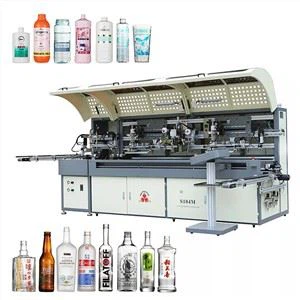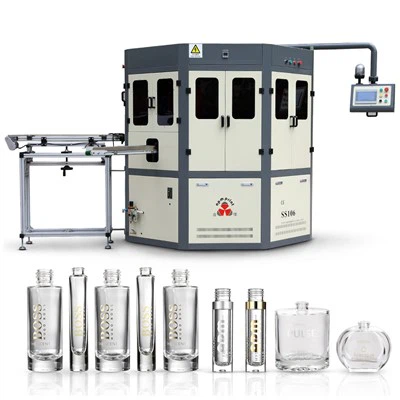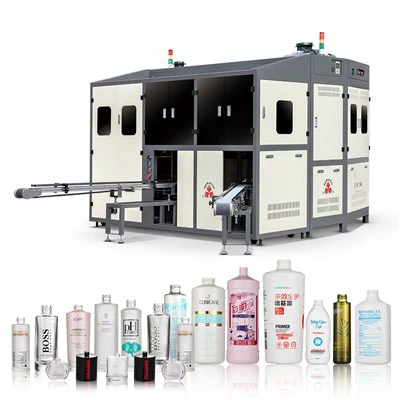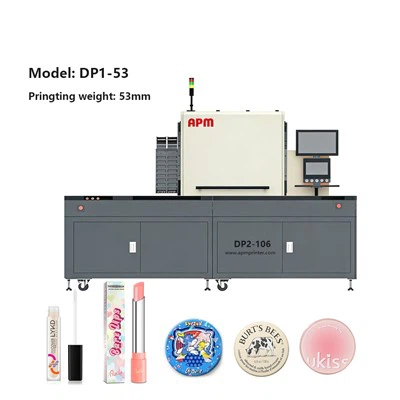

Whether it is a fully automatic or semi-automatic screen printing machine, there will be some problems with the machine after working for a long time. Today, the editor summarizes the problems and solutions that will occur when the semi-automatic screen printing machine works, let's take a look!
1. Start working without stepping on the foot switch
The reason for this kind of fault is generally because the foot switch is damaged or the water in the foot switch socket causes a short circuit, and the other is a problem with the manual start button switch. The repair method is to replace the new switch, socket, button switch or disassemble the related damaged parts for repair.
2. When working, the sliding seat descends after stepping on the foot switch, and rises again after releasing it
This phenomenon is generally due to the damage of the proximity switch on the left side of the horizontal slide seat, or the connection is broken. The solution is to replace the proximity switch or connect the switch connection.
1. When working, the vertical sliding seat descends after stepping on the foot switch, but the printing seat does not continue to work after moving to the left
The reason for this fault is that the proximity switch on the left side of the horizontal slide seat is not sensed or there is a problem with the proximity switch. The solution is to adjust the sensing point of the proximity switch on the left or replace the proximity switch. In addition, the micro switch in the foot switch is stuck and does not operate, which will also cause this fault. The solution is to adjust, repair or replace the micro switch in the foot switch with a new one.
2. When working, the sliding seat descends after stepping on the foot switch, and rises again after releasing it
This phenomenon is generally due to the damage of the proximity switch on the left side of the horizontal slide seat, or the connection is broken. The solution is to replace the proximity switch or connect the switch connection.

3. When working, the vertical sliding seat descends after stepping on the foot switch, but the printing seat does not continue to work after moving to the left
The reason for this fault is that the proximity switch on the left side of the horizontal slide seat is not sensed or there is a problem with the proximity switch. The solution is to adjust the sensing point of the proximity switch on the left or replace the proximity switch. In addition, the micro switch in the foot switch is stuck and does not operate, which will also cause this fault. The solution is to adjust, repair or replace the micro switch in the foot switch with a new one.
4. When working, step on the foot switch, the sliding seat descends and moves left, then rises but does not move right
The occurrence of this phenomenon is that the proximity switch on the upper left of the vertical slide is not sensed or there is a problem with the proximity switch. The solution is to adjust the proximity switch above to sense or replace a better proximity switch.
5. After the action is switched, the rising action is half a beat slower
This kind of failure is because the control solenoid valve is blocked by foreign objects or the solenoid valve is faulty. The solution is to remove the solenoid valve for cleaning or replace the solenoid valve.